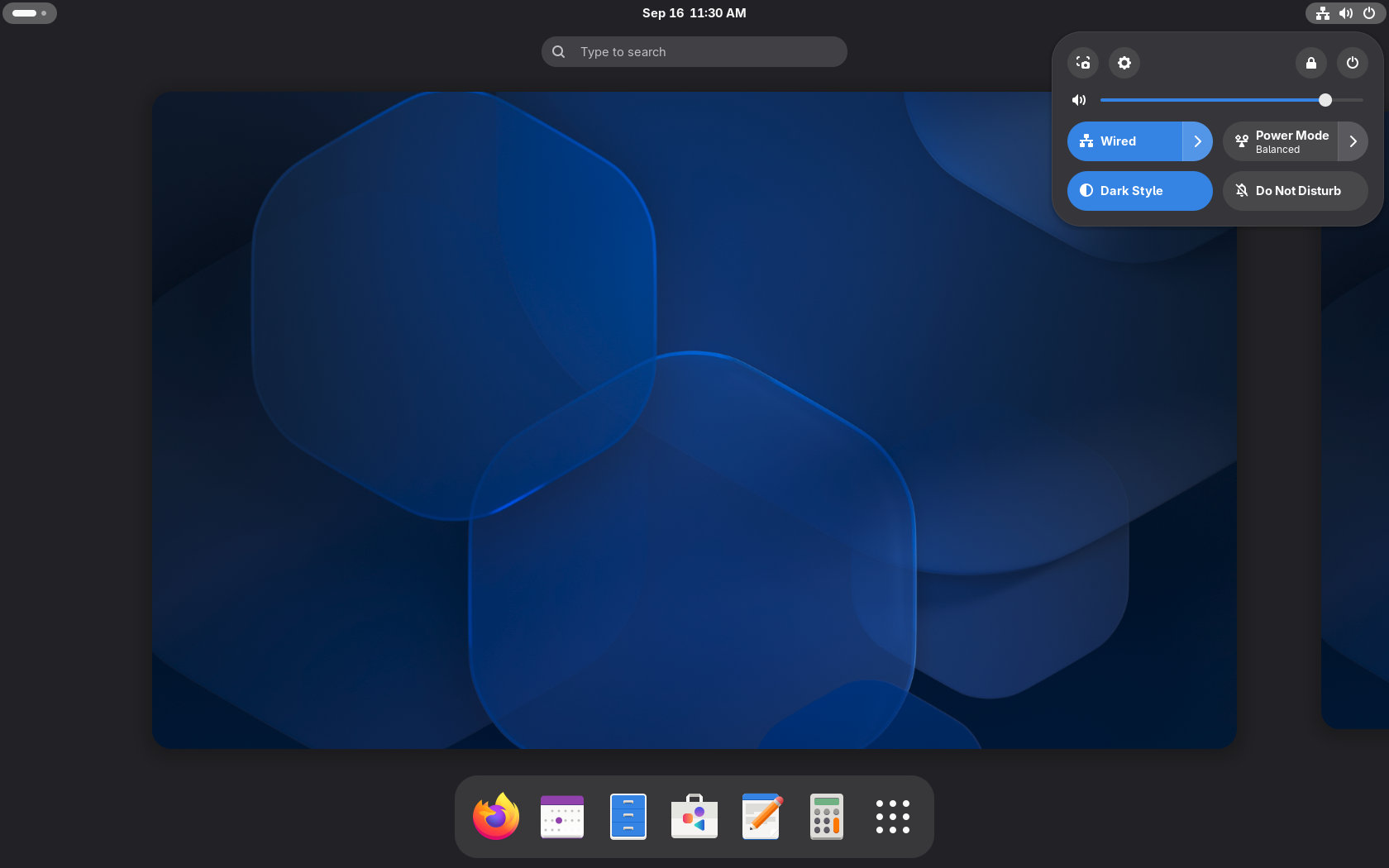
GNOME 51 “A Coruña” is now officially available with performance improvements, major updates to several core apps, offline maps support, and refinements across the desktop.
On performance, Mutter has a reworked scheduling and screen-frame delivery system to make animations run more smoothly, even under load. Screen recording should also be faster due to reduced buffer copying and redundant work.
Moreover, GNOME can now remember monitor brightness levels across reboots and HDR toggling. Support for legacy NVIDIA driver interfaces has been removed, and the desktop now relies exclusively on modern standard graphics interfaces.
The Settings app also gets several additions. Devices with an accelerometer can now automatically rotate the display between portrait and landscape, with an orientation lock available when needed.
Multi-monitor setups benefit from center-aligned snapping when arranging displays, while laptop users get a new option that automatically disables the touchpad when a mouse is connected.
GNOME 51 also adds DNS domain search settings, removes support for the old WEP wireless security standard, improves Remote Login support, and introduces a redesigned fingerprint enrollment interface under Users.
One of the biggest application changes is in GNOME Maps, which can now download map regions for offline use. Downloaded areas can be managed directly from the app and used without an internet connection, making the feature useful while traveling or in places with poor connectivity.
Public transit support has also been expanded. Maps can now display live departure and arrival times where supported, real-time delays, platform and stop information, and estimated walking times between parts of a journey.
Files has received more usability and performance improvements. When dragging multiple files, the interface shows a badge indicating how many items are moved. Newly copied files are automatically selected, and right-clicking an empty area no longer clears the current selection.
Several operations that previously blocked the app have also been moved out of the way, improving responsiveness, while folder views should reload faster, particularly with large or slower directories. Files notifications are now grouped as well.
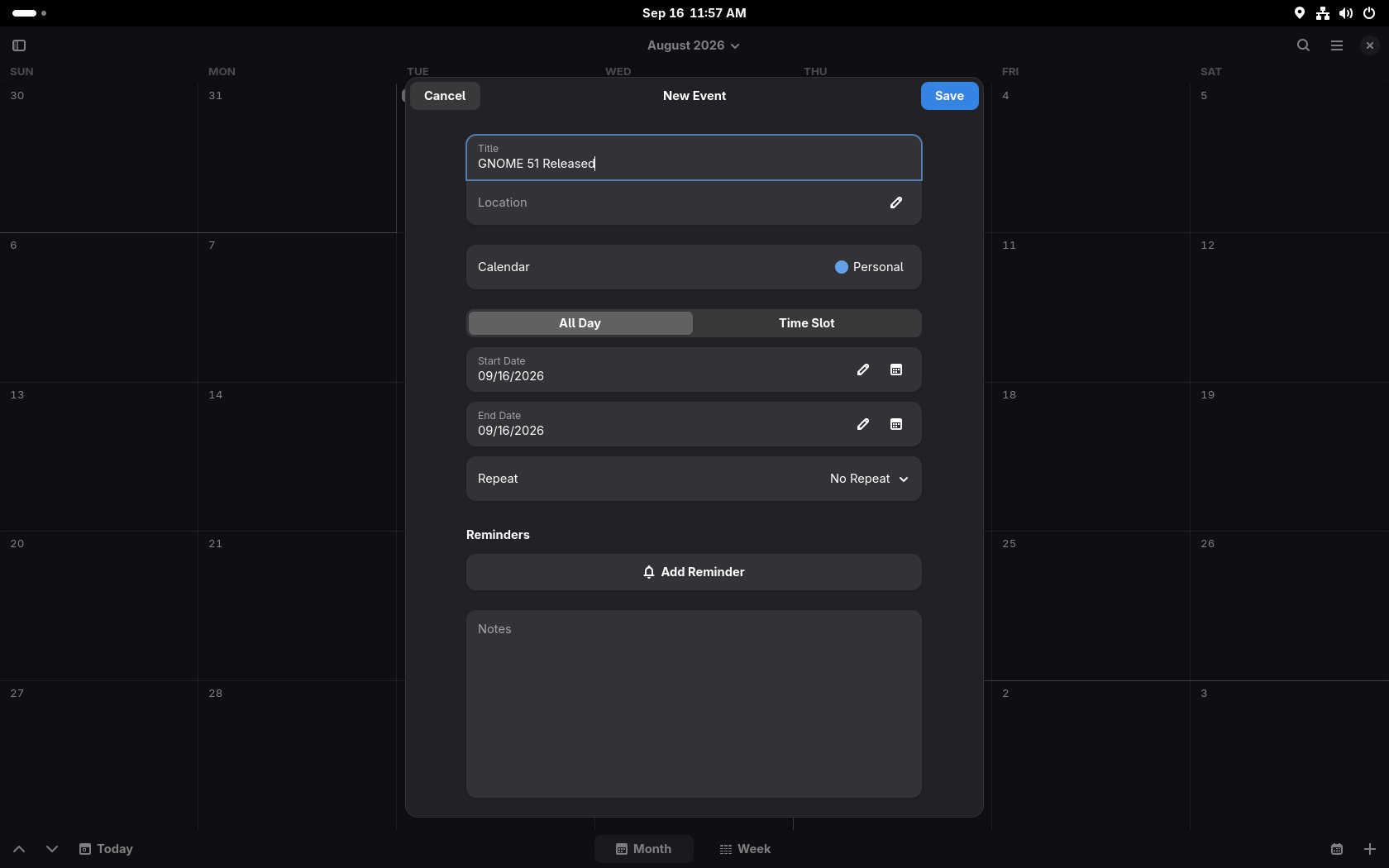
GNOME Calendar has undergone substantial internal work to improve performance. Month view scrolling and redraws should feel smoother, and opening and browsing large calendars should be faster. Background synchronization has also been optimized to use less data.
In addition, Calendar can now open event locations directly in GNOME Maps, improves the Week view in high-contrast mode, and updates the event editor with a cleaner Notes section and better handling of Microsoft Teams meeting links.
GNOME’s File Previewer, better known as Sushi, has been completely revamped for version 51. The application now uses GTK 4 and libadwaita, bringing it visually in line with the rest of the modern GNOME desktop.
The new version also supports dark mode, can display images at their actual size, and uses the same modern image loading and document rendering libraries found elsewhere in GNOME.
Papers, GNOME’s document viewer, gains the ability to add visual signatures directly to documents. Users can draw a signature with a mouse or touchscreen, or import an image containing a handwritten signature.
Regarding accessibility, the Reduced Motion preference is now respected across more parts of the desktop, including additional core widgets, and GNOME Shell and the screenshot area selector can now be fully controlled from the keyboard.
Additionally, accessibility settings themselves gain an option to disable the focus timeout. Screen reader output has been cleaned up in several areas, including the app dock, search results, and application grid.
GNOME 51 also switches pointer cursors from bitmap images to scalable SVG graphics, keeping them sharp regardless of display configuration. The login screen can now offer multiple authentication mechanisms where configured, including web-based login.
GNOME Web receives a new Ctrl+Shift+C shortcut for copying the current page URL, secure password generation using the pwquality library, improvements to its password manager, and a cleaner address bar suggestion interface.
GNOME Software warns before installing applications that are no longer maintained, displays more complete Flatpak file permission information, and starts faster by reusing cached application data and improving icon loading.
The Loupe Image Viewer expands its image information panel with details such as creator and copyright metadata, camera lens information, software used to create the image, and embedded color profiles.
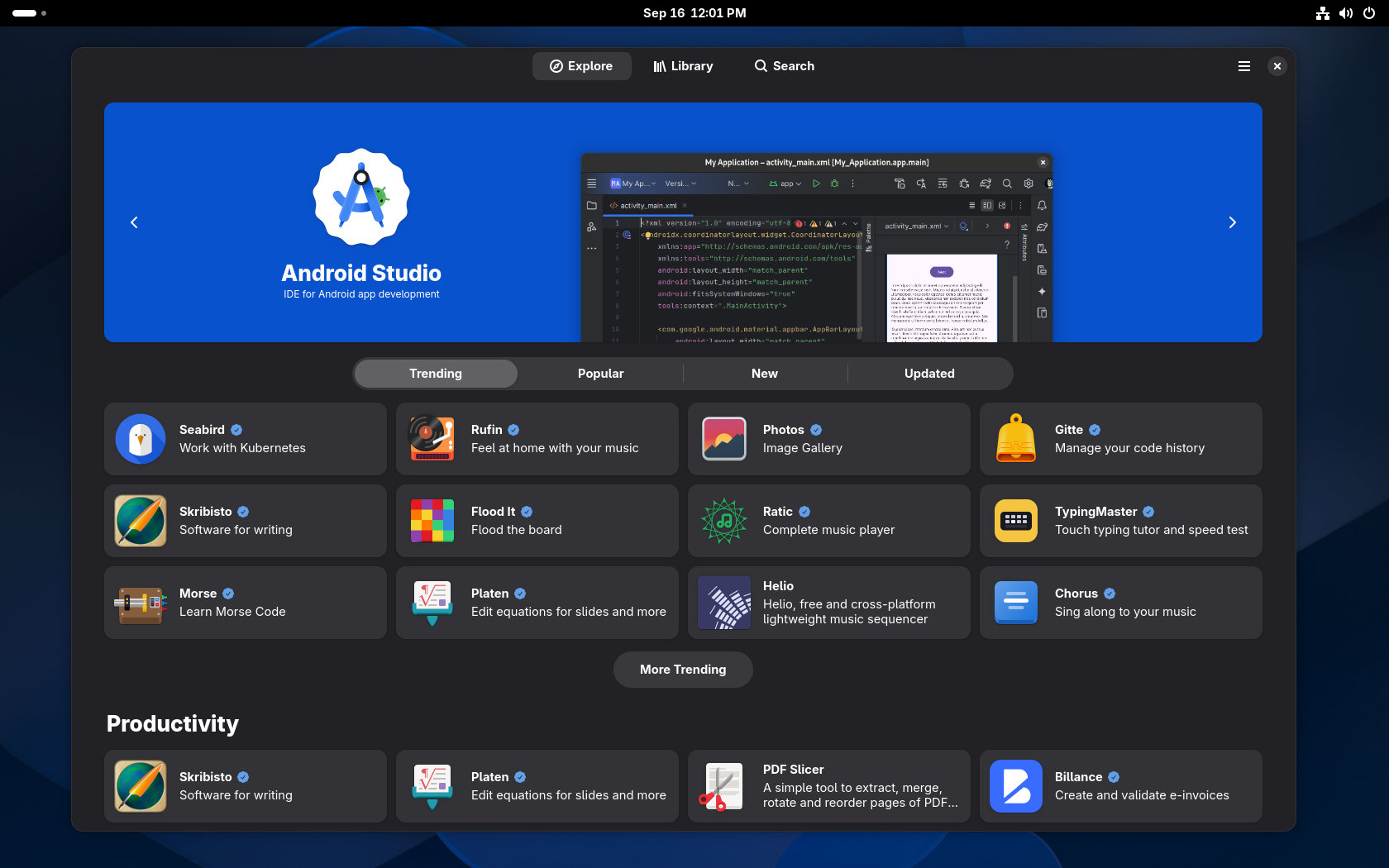
Three new applications have also joined GNOME Circle: Bobby, an SQLite database browser; Tally, a simple counter application; and Bazaar, a Flatpak-focused app store designed around discovering and installing software from repositories such as Flathub.
Finally, GNOME 51 ships with a new default wallpaper design, along with several additional backgrounds available through the wallpaper chooser.
For additional details, see the announcement. GNOME 52 is expected to be released in March 2027, continuing GNOME’s regular six-month release cycle.
GNOME 51 will begin appearing in Linux distros over the coming weeks. As expected, rolling-release distros like Arch, openSUSE Tumbleweed, aerynOS, etc., should get it first. Users who want to try it immediately can use GNOME OS Nightly builds, and many updated GNOME applications are also available through Flathub.