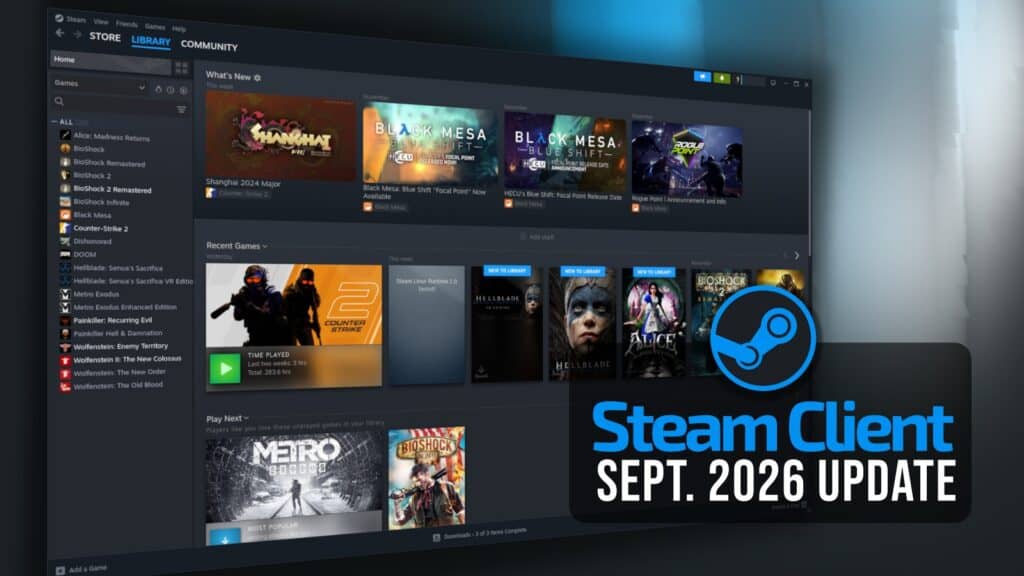
Valve has released a new stable Steam Client update that adds HDR streaming support to Steam Deck OLED through Remote Play, easier account switching, improved cloud synchronization, and fixes across Steam Input, Workshop, and the desktop client.
The headline addition is HDR streaming support for Steam Deck OLED users. Remote Play also gets an improved video color range, while Valve has added AV1 video streaming support when using its experimental SteamRT3 client.
Valve has also addressed several Remote Play issues. The update fixes cases where streaming resulted in a black window, remote devices with Remote Play enabled failed to appear as available for streaming, and video was clipped when desktop scaling was enabled.
Additionally, a frame-rate drop affecting the unlimited bandwidth option when streaming from Steam Deck or Steam Machine has also been resolved.
Account switching is another area receiving attention. Steam now allows users to change accounts while a game is running. If they do, the account chooser warns that continuing will close any running games.
Moreover, Valve added an “Ask which account to use on startup” option and removed the separate account-change confirmation dialog in most cases. Selecting another account now takes users directly to the account chooser before Steam restarts under the selected account.
Steam shutdown behavior has also improved: the client now waits for recently closed games to finish syncing data with Steam Cloud before shutting down, reducing the chance of interrupting cloud synchronization.
On top of that, Valve fixed an issue that prevented some Steam Workshop items from updating correctly, another where uninstalling a game could leave it stuck in the download queue, and a crash that occurred after suspending and resuming a device following a controller disconnect.
Steam Input now makes it clearer whether controller configurations are shared between devices or specific to a particular device. Users can also split Steam Controller configurations so they are no longer shared with Steam Deck.
Finally, group chats can now flag messages containing suspicious content. From the warning, users can report the message, block its sender, or dismiss the notice.
For additional details, see the release notes. As usual, the Steam Client update will be downloaded automatically. Users can also install it manually by opening the Steam menu and selecting Check for Steam Client Updates.