The Kdenlive team has released version 26.08 of its free and open-source video editor. One of the biggest additions is something users have waited for quite some time: tracks in the timeline can finally be reordered.
Kdenlive 26.08 also automatically creates additional audio tracks when a clip needs more than are currently available, reducing manual setup for media with multiple audio streams.
Another welcome improvement is the ability to change the playback speed of multiple clips at once. You can do this through the Clip Speed tool or directly on the timeline by holding Ctrl while dragging.
Timeline navigation has also received attention. Holding Alt while dragging the playhead now makes it snap to nearby points such as clip edges, guides, markers, and zone boundaries.
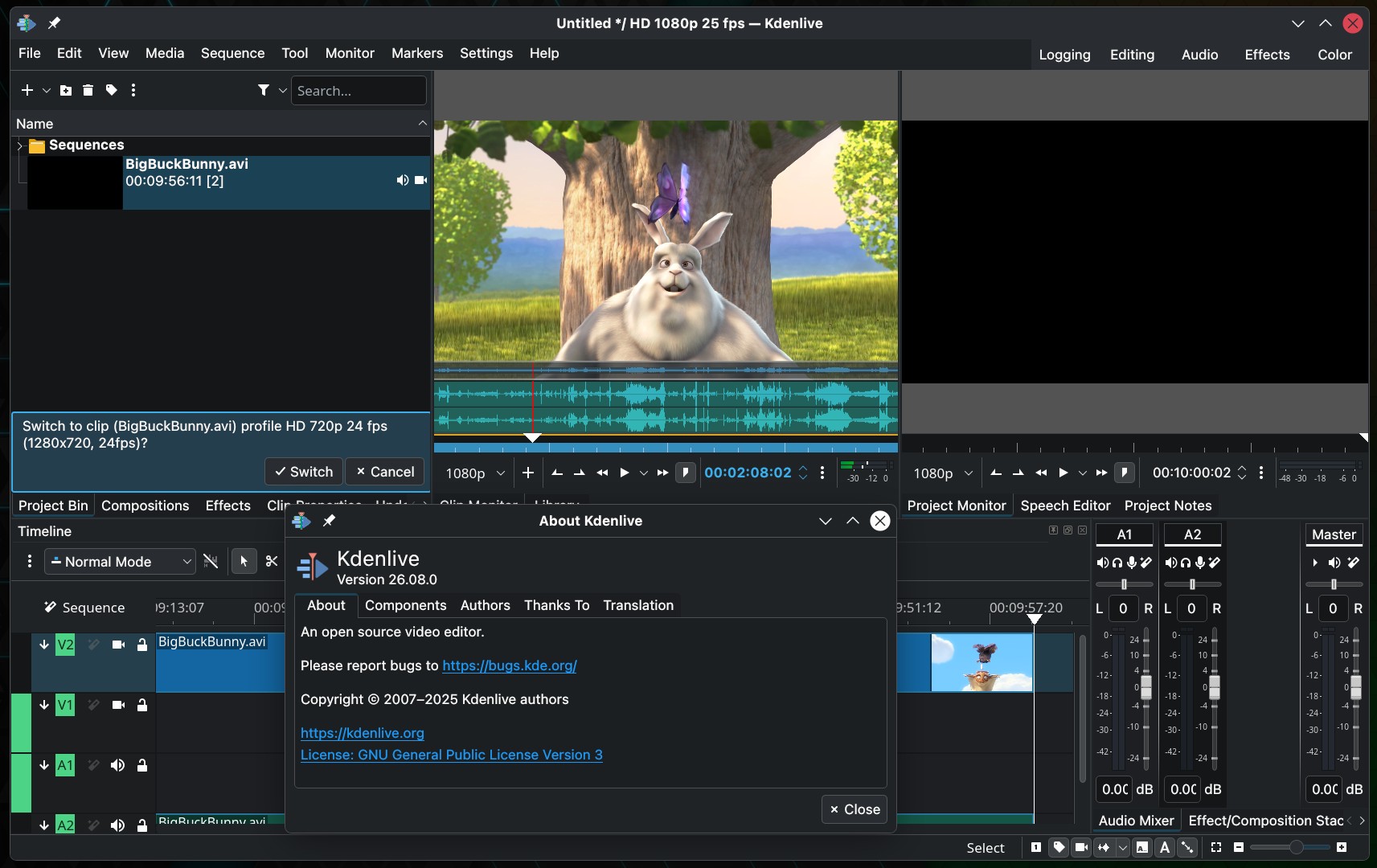
There is a new option to place markers automatically in gaps between clips, and a new status bar toggle lets users choose whether timeline zooming centers around the mouse cursor or the playhead.
Moreover, Kdenlive 26.08 introduces a “Copy Selection to New Sequence” function. It works like creating a sequence from a selection but keeps the original clips intact instead of replacing them with the new sequence clip.
On the Title Editor side, objects can now snap into position, elements can be copied and pasted, and rectangles support rounded corners. Plus, the Transform effect now lets users define the anchor point used for rotation, while rectangular alpha masks can be animated using keyframes.
Additional features include the frei0r Color Enhance effect, richer font options for effects such as GPS Text, Dynamic Text, and Timer, and support for WebP image sequences.
Audio users get additive soloing in the mixer, allowing multiple tracks to be soloed by Shift-clicking them.
Beyond the visible features, the project notes that Kdenlive 26.08 includes 11 crash fixes, along with improvements to the undo/redo stack for compositions and sequence creation, and modernization work in the QML code responsible for clips and compositions.
For additional details, see the release announcement. Kdenlive 26.08 is available from the project’s download page and through distribution package managers.