Mozilla has released Firefox 153, the latest update to its popular open-source web browser, with improvements in video playback, PDF editing, sharing, privacy indicators, Firefox Labs, and web platform features for developers.
The main novelty is HDR video support, currently available only on Windows 10 and 11 with HDR displays connected to AMD or NVIDIA GPUs. Intel and NVIDIA laptop configurations are not yet supported, but Mozilla is working to expand compatibility.
To use the feature, HDR must also be enabled in Windows Settings under Display. Mozilla notes that HDR videos may currently appear brighter in Firefox than in other browsers, with further improvements and performance optimizations planned for a future release.
Another new feature is a preview of built-in Containers, which allow users to open the same website with different accounts in separate tabs. For example, one Gmail account for work and another for personal use, without constantly signing in and out. Each container keeps its own cookies and tracking data, so activity from one part of your browsing does not spill into another.
Firefox 153 also introduces a QR code sharing option. Users can right-click a tab, select Share, and choose Generate QR Code to transfer pages to other devices or include links in printed materials.
Moreover, Firefox 153’s built-in PDF tools now allow users to add images as new pages within PDFs using the PDF editor. It is also possible to merge multiple PDFs by dragging another PDF into the PDF sidebar. In addition, selected text in PDFs is now highlighted more clearly, similar to normal web pages, while the selection color follows operating system settings such as high-contrast mode.
Another interesting addition is experimental support for JPEG XL, available through Firefox Labs. JPEG XL is a modern image format designed to offer better compression than older formats such as JPEG, PNG, GIF, and WebP. For now, it remains an opt-in experimental feature.
On top of that, accessing Firefox Labs is now simpler. Typing “labs” or “experiment” in the address bar brings up the Open Firefox Labs quick action. Similarly, users can type “pick color,” “color picker,” or “eyedropper” to quickly access the built-in color picker and copy colors from web pages.
On the privacy and security side, Firefox 153 makes active location access more visible. When a website is using the browser’s location permission, the location icon in the address bar is now highlighted in red. The icon is also visible on search results pages, where it was previously hidden.
Importantly, extensions now require explicit user permission to access local files. Users can grant or revoke this access through a new “Access local files on your computer” permission, separate from the broader website data permission.
Firefox 153 also adds support for verifying and displaying Qualified Website Authentication Certificates, or QWACs, in accordance with eIDAS regulations. This is mostly relevant to certificate trust, identity assurance, and EU regulatory compliance rather than everyday browsing behavior.
Apple users get a small system integration improvement too, as Firefox 153 adds support for Apple’s system-wide full-screen keyboard command, Globe-F. For video playback, Mozilla has also improved support for videos with overlays, making it easier for users to access video actions from context menus.
Developers receive a long list of web platform updates in this cycle, as the browser adds limited support for the non-standard ::-webkit-scrollbar pseudo-element to improve web compatibility, although Mozilla is intentionally not supporting full styling features such as colors and border radius.
Other developer-facing changes include support for new alignment-baseline keywords, implementation of the popover=hint specification, support for closest-corner and farthest-corner keywords in circle() and ellipse() functions, and the addition of Error.stackTraceLimit for controlling JavaScript error stack depth.
Finally, Firefox 153 adds support for importing text files through the module system using the text import attribute, exposes Picture-in-Picture functionality through the Picture in Picture API, and implements the Intl.LocaleInfo proposal for querying locale information such as week data, text direction, and hour cycle.
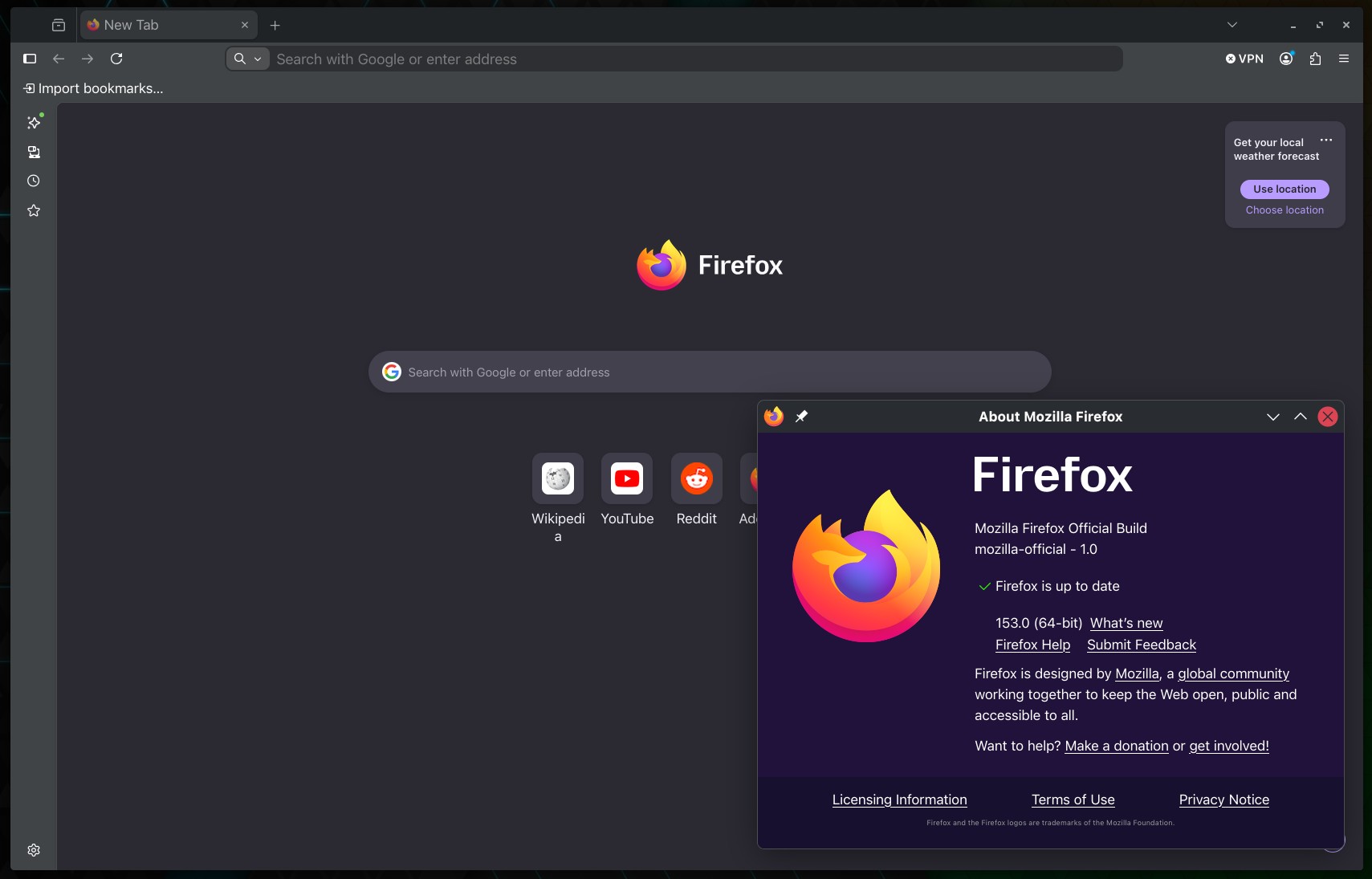
Those eager to download this update immediately can do so directly from Mozilla’s servers. Windows and macOS users will get an over-the-air update in the next few days. Linux users should see Firefox 153 in their distro repositories soon, too.