
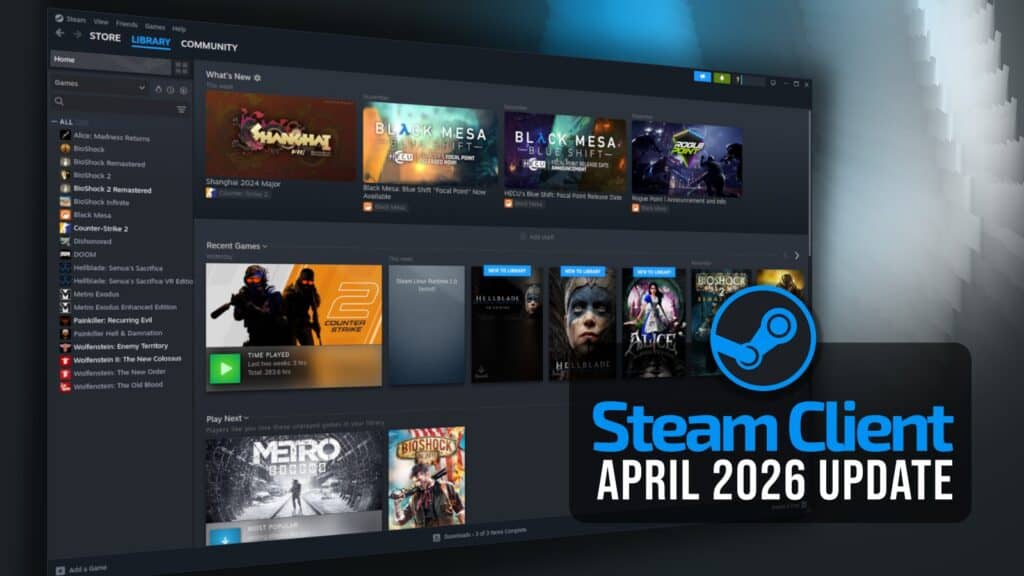
Valve released its April 2026 Steam Client update, bringing remote downloads management, Big Picture Mode chat improvements, expanded Remote Play options, and fixes across Steam Cloud, Steam Input, Game Recording, Windows, and macOS.
One of the most useful additions is Remote Downloads Management. With this update, Steam users can manage downloads on remote Steam clients directly from the Downloads page. Valve says the App Details page now shows the same options and statuses for remote clients as for the local client, provided both systems run the updated Steam client.
Big Picture Mode also gets visible changes. Steam chat has been moved into the quick access menu, making it easier to reach while playing. Valve introduced a new quick chat feature for Steam Deck and Big Picture Mode. When a chat is open, users can press and hold the view button, move the thumbstick to select a quick chat option, and release the button to send it.
Controller-related changes continue with a new battery indicator in the Big Picture Mode header for wireless gamepads. Steam now shows low battery toast notifications for wireless controllers, although Valve says battery notifications for Xbox controllers on Windows are temporarily disabled.
The Store entry in Big Picture Mode has also been adjusted. It now opens the Steam Store home page instead of the Great On Deck hub. Valve fixed an issue where the Voice chat tab in the quick access menu could remain visible after users left all active voice chats, and a case where desktop UI chat windows could open and block the Big Picture overlay when using the gamepad UI overlay mode.
Regarding Remote Play, Steam can now stream while Remote Desktop is active on Windows. The Advanced Host Options provide more flexible controls for choosing the primary display, resolution, refresh rate, and related streaming settings. These options include control over whether HDR is enabled while streaming.
Moreover, Valve added support for the SudoVDA virtual display driver on Windows. When the driver is installed and selected as the primary display in Steam’s Advanced Host Options, Steam can automatically create a virtual display that matches the client display settings. The update also adds support for streaming 7.1 surround sound.
On the bug fixes front, Valve resolved an issue that could lead to data loss when uninstalling, reinstalling, and playing a game without restarting the Steam client between those actions.
On Windows, Valve updated the CPUID SDK used for CPU temperature reporting in the in-game overlay performance monitor. On macOS, the update fixes soundtrack playback not working on Apple Silicon machines.
For more details, see the release notes.





While I enjoy using Steam to play my games, Valve really need to ditch the need for the 32-bit libraries in linux and give us a proper 64-bit client that can handle both types of game.
They are working on the 64-bit client but it’s still in beta. If you want to try it out, switch to Beta channel then enable SteamRT3 in Options.
Two games which need to come to Steam but probably won’t:
No One Lives Forever
No One Lives Forever 2
They should rather fix the network loop ;(( https://github.com/ValveSoftware/steam-for-linux/issues/13024