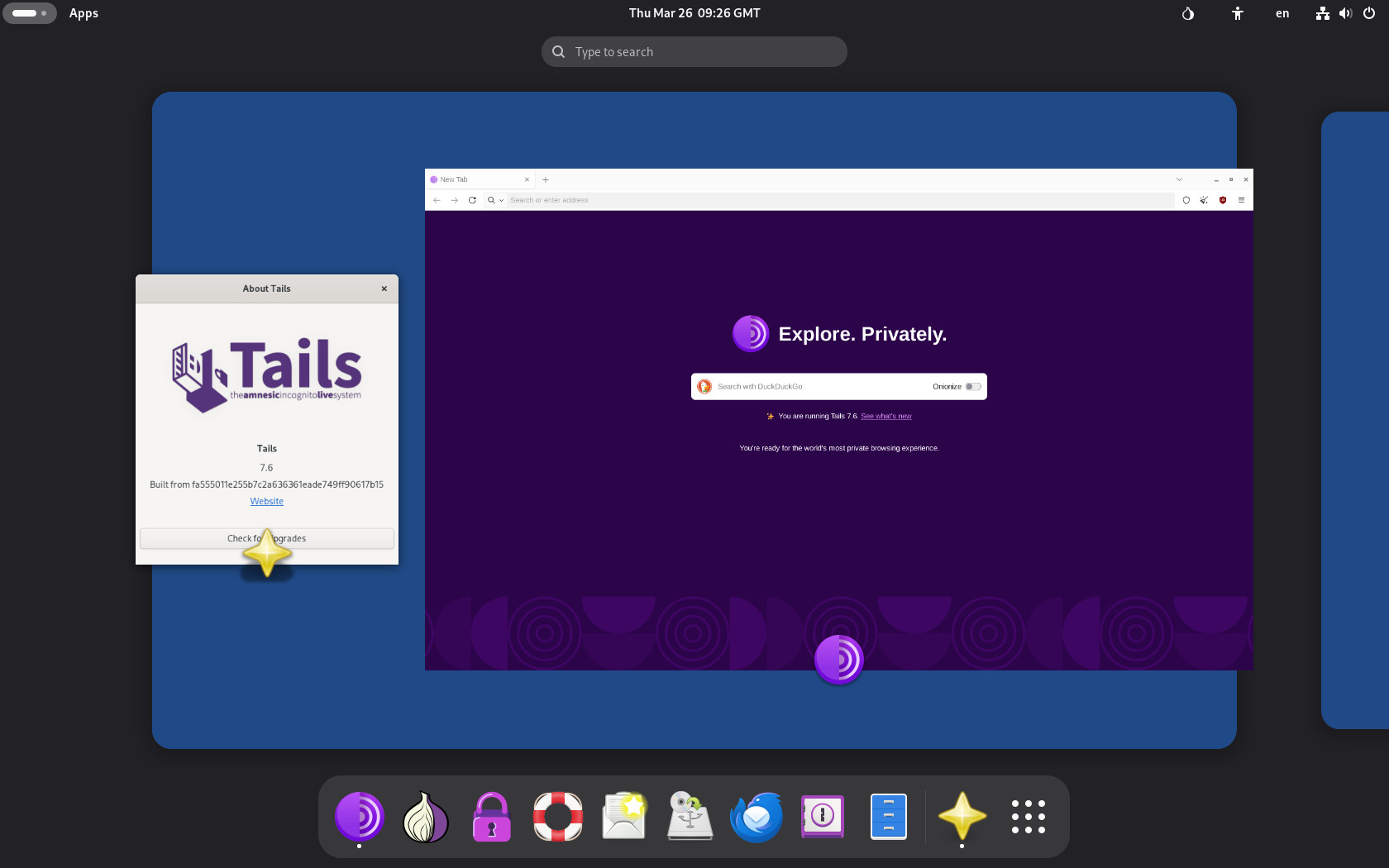
Tails 7.6, a new version of the privacy-focused Linux distro that routes all internet traffic through the Tor network, is now available, with a key addition: automatic Tor bridge support. In other words, users can now obtain working Tor bridges directly from the Tor Connection assistant.
When connecting automatically, Tails detects if access to the Tor network is restricted and offers to request bridges based on the user’s region. These bridges act as entry points that conceal Tor usage, allowing connections from networks where Tor is blocked.
The implementation relies on the Moat API from the Tor Project and uses domain fronting to disguise the request.
Another notable change is the replacement of KeePassXC with GNOME Secrets as the default password manager. Secrets uses the same database format, so existing KeePassXC password files can be unlocked automatically.
The new application integrates with the GNOME desktop and restores compatibility with accessibility features such as the on-screen keyboard and cursor scaling. Users who need advanced functionality can still install KeePassXC manually.
The release also includes several application updates. Tor Browser has been updated to version 15.0.8, Thunderbird to 140.8, and Electrum to 4.7. Updated firmware packages improve support for newer hardware, including graphics and wireless devices.
Several issues have been addressed in this version. These include fixes for untranslated confirmation dialogs when saving language and keyboard layouts, a broken “Learn More” button in the Thunderbird migration notification, and problems affecting automated upgrades in Turkish.
For full technical details, refer to the changelog or the release announcement.
Automatic upgrades are supported starting with Tails 7.0, allowing users to update to 7.6 while keeping their Persistent Storage intact. If automatic upgrades fail or the system does not start correctly afterward, a manual upgrade path remains available.