
Five months after the previous 3.9 release, IceWM, a lightweight window manager for X Window System, favored for its minimal resource usage and high configurability, has released its latest version, 4.0.
The highlight of the release is a significantly enhanced Alt+Tab quick switch. The window switcher can now handle large numbers of open windows more efficiently, working smoothly in both horizontal and vertical layouts. Users can jump directly between application instances by typing the first letter of an application’s class name, select windows using number keys, or choose them with the mouse when using the horizontal mode.
Navigation has also been expanded to support all standard navigation keys, and a new option allows opening the system menu directly from the Alt+Tab interface.
IceWM 4.0 also introduces QuickSwitchPreview, a new mode that shows live previews of applications while the quick switch is active. These previews update in real time, making it easier to identify the correct window before switching, especially in busy workspaces.
On the visual side, alpha blending and 32-bit RGBA rendering are now enabled by default, bringing more modern compositing behavior without additional configuration.
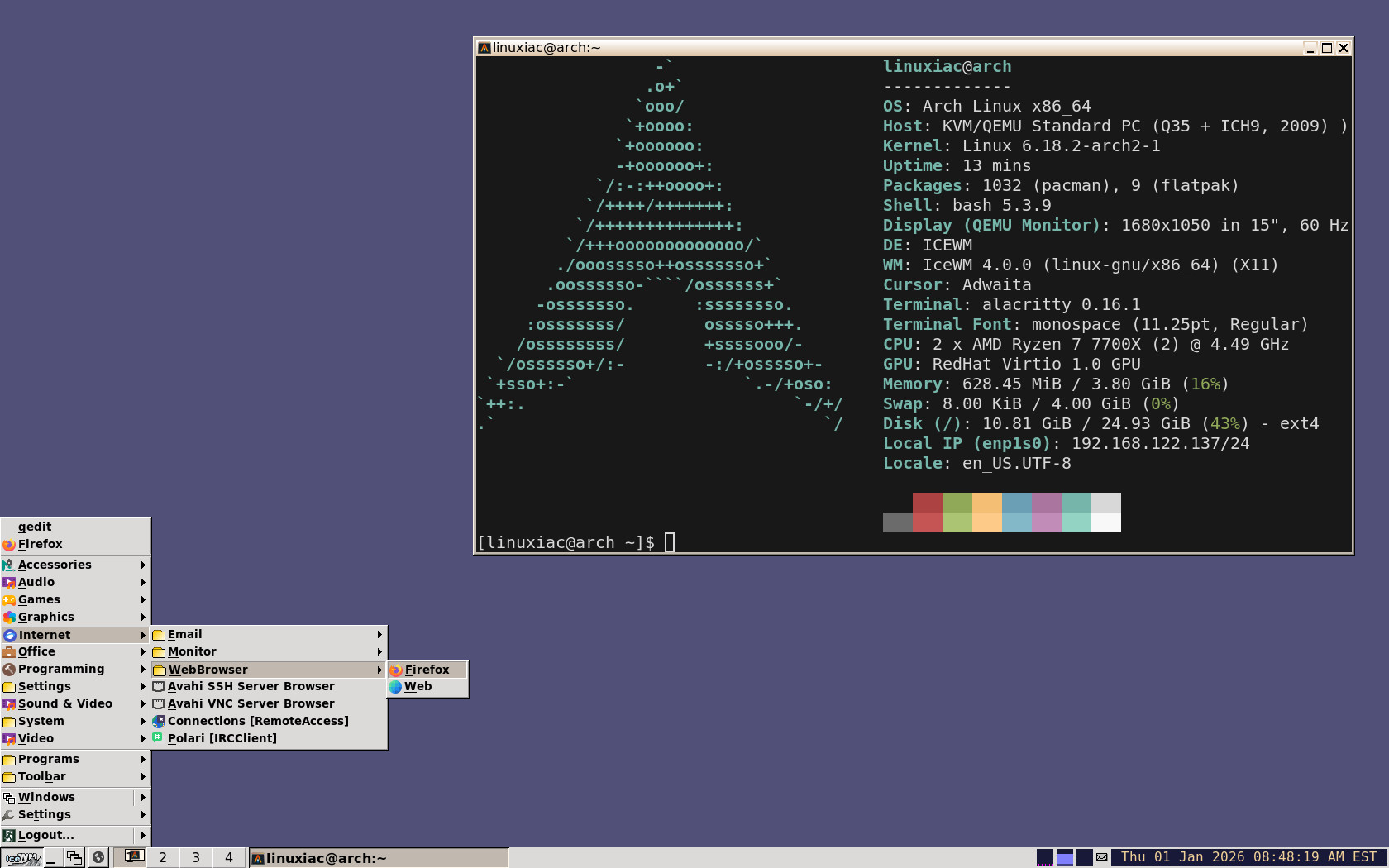
Icon handling has been reworked as well, with standardized icon sizes ranging from 16 to 256 pixels and explicit support for high-resolution icons via WM_ICON_SIZE. Icon drawing performance has been improved by caching rendered images server-side, reducing overhead on systems with many icons.
Several user interface refinements target HiDPI setups, including adjustments to submenu indicators and better layout behavior in the taskbar and workspace panes. Window titles are now limited to 128 bytes with trailing whitespace trimmed, improving consistency across applications. When clock LED pixmaps are missing, IceWM will now fall back to the clock font rather than leaving the area blank.
The release also delivers a solid set of fixes. These include corrected keyboard layout switching on OpenBSD, proper handling of desktop mini-icon dragging on secondary displays, reliable updates of workspace names when changed externally, and prevention of a potential crash when dock layer windows exit.
Diagnostic output in icesh has been improved, too, and additional workspace name helpers have been added for scripting and automation.
Configuration cleanup is another part of the update. The DoubleBuffer and QuickSwitchMaxWidth preferences have been removed. Plus, IceWM also limits repeated error reporting for I/O failures on /proc/net/dev to avoid unnecessary log noise.
Finally, IceWM 4.0 updates translations across multiple languages, including Swedish, Catalan, German, Japanese, Dutch, Slovak, Indonesian, Portuguese, Brazilian Portuguese, and Slovenian.
For more information, see the changelog.