Chimera Linux, a still-in-development systemd-free, rolling release distro written from scratch that incorporates FreeBSD’s tools and libraries to provide a unique, lightweight, and modular experience, unveiled its latest set of installation ISOs powered by Linux kernel 6.18.
One notable change affects the behavior of live images. Chimera Linux no longer automatically imports existing LVM volumes or ZFS pools when booted in live mode. This decision follows reports that automatic imports could be confusing and, in some cases, cause system damage.
The new behavior is intended to be safer and more predictable, especially for users testing the distribution on machines with existing installations.
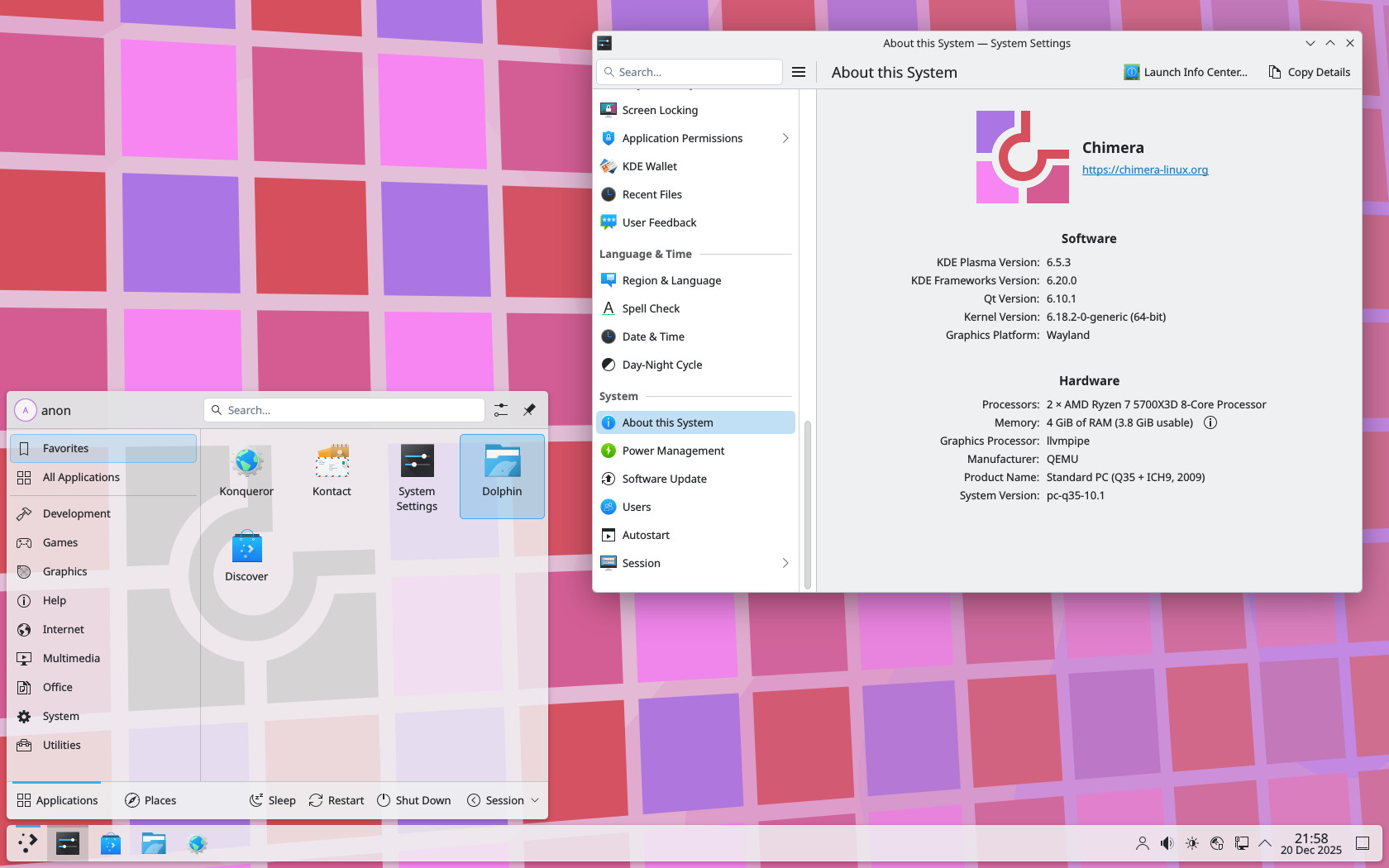
The December release also adds an experimental terminal-based installer. You can start it by running the chimera-installer command. Although it is still limited, the installer already lets you perform local or remote installations, automatically set up APK mirrors, and handle basic setup tasks such as setting the hostname, timezone, creating users, and setting the root password.
Additional installer features include optional installation of extra packages, kernel version selection, and bootloader configuration. Both GRUB and systemd-boot are supported across BIOS, EFI, and other firmware setups. However, disk partitioning and filesystem formatting are explicitly out of scope.
Users are expected to prepare, mount, and lay out their filesystems in advance, then point the installer at the mounted root directory (an approach very similar to that used in Arch’s installations). This workflow is intentional and is expected to remain the default approach, although a separate helper tool for simplified disk setup may be introduced in the future.
Even with its current limitations, the installer checks the mounted filesystem, finds details such as an EFI System Partition, and can create a basic crypttab for encrypted setups. For more advanced encryption, such as using keyfiles, you still need to make changes by hand after installing.
Finally, the project says this release is mainly a maintenance update, not a major feature release. Bigger changes are planned for the next set of images, expected early next year.
For more information, see the announcement. The new images are available directly from the project’s official downloads page.