Over eight months after the 3.0 release, Pinta, a free, open-source, cross-platform bitmap image drawing and editing program, has just rolled out its new 3.1 version, as the first update to the 3.x series.
The main highlight this time is a complete rewrite of the canvas widget. This work directly addresses long-standing performance and memory usage issues, particularly when working with heavily zoomed images. The result is smoother interaction, more uniform behavior, and decreased resource consumption during detailed editing tasks.
Alongside this, selection handling has been refined, with animated selection outlines for better visibility and ruler projections that clearly highlight selected areas on the canvas.
Several new creative and workflow features have been added as well. Pinta now includes an axonometric grid, which can be enabled from the canvas grid settings and is useful for technical illustrations and isometric-style drawings. A new Cells effect joins the effects collection, while the Twist effect gains a radius percentage parameter for finer control.
Additionally, the Gradient tool has been enhanced with on-canvas handles, allowing direct adjustment of gradient direction and length, and the Dithering effect can now use the current image palette instead of being limited to preset palettes.
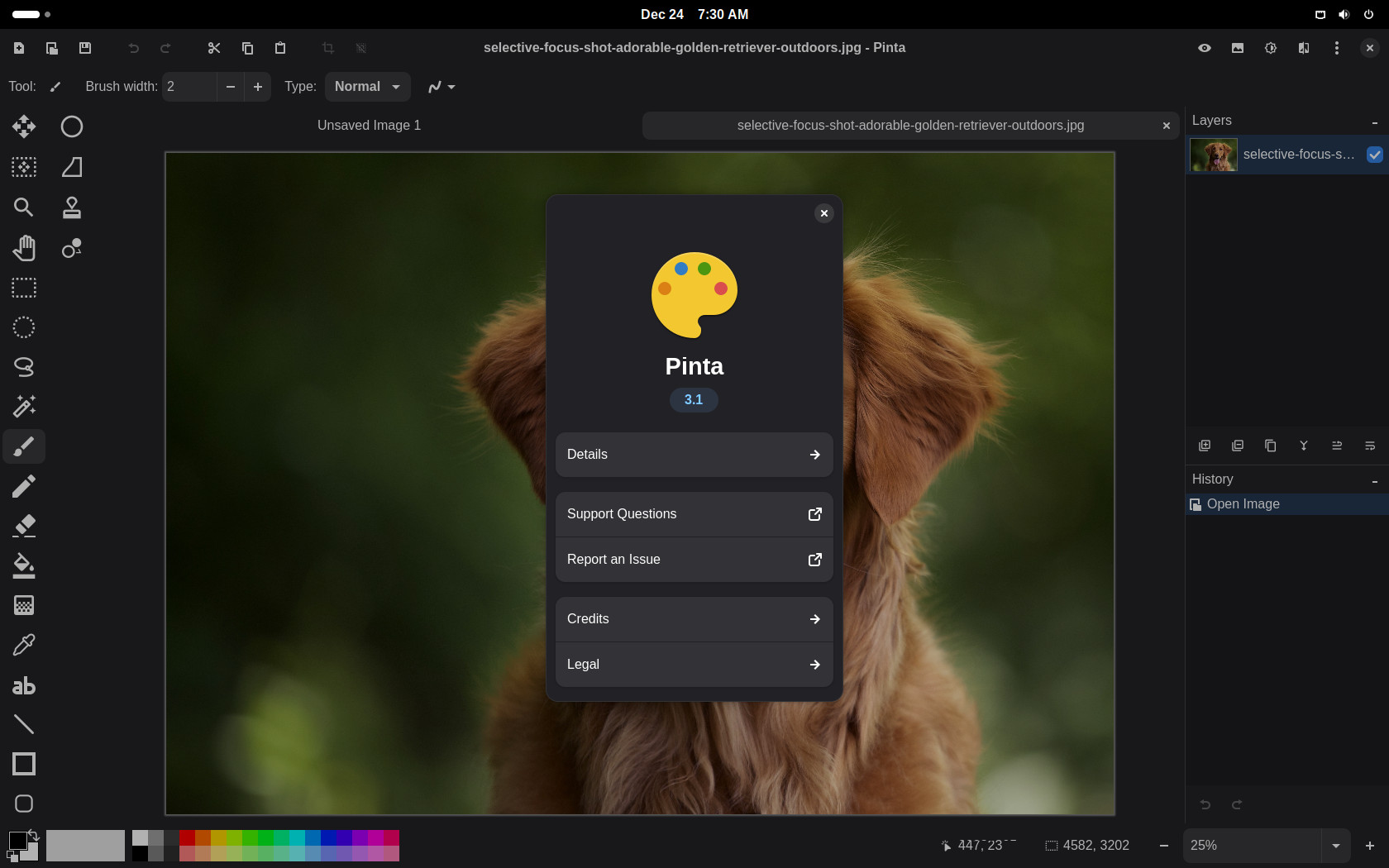
Tooling improvements extend across the application. The Lasso Select tool now supports polygon selection, the Splatter brush can continuously draw while the mouse button is held down, and the Text tool gains more predictable editing behavior, including word deletion with Ctrl+Backspace and fixes for several cursor and selection edge cases. Layer management has also been improved with a new right-click context menu that exposes common layer actions directly.
Regarding platform and packaging, Pinta 3.1 moves forward by requiring GTK 4.18 and libadwaita 1.7, aligning the application with current GNOME stack expectations. A Windows ARM64 installer is now officially available, while macOS users benefit from an updated application icon and improved translations for libadwaita dialogs.
The release also introduces breaking API changes for add-ins, requiring them to be rebuilt against Pinta 3.1. Several effect-related APIs have been modernized, deprecated GTK components have been removed, and parts of the effects manager have been converted to generic methods.
Last but not least, Pinta 3.1 includes an extensive list of bug fixes covering tools, layer handling, toolbar layout, Wayland compatibility, and edge cases that could previously lead to hangs or incorrect behavior. Notably, saving layered images to formats without layer support now triggers a clear warning before flattening, reducing the risk of accidental data loss.
For more information, see the changelog. The app is available for download for all platforms, and Linux users can also install it as a flatpak from Flathub.