
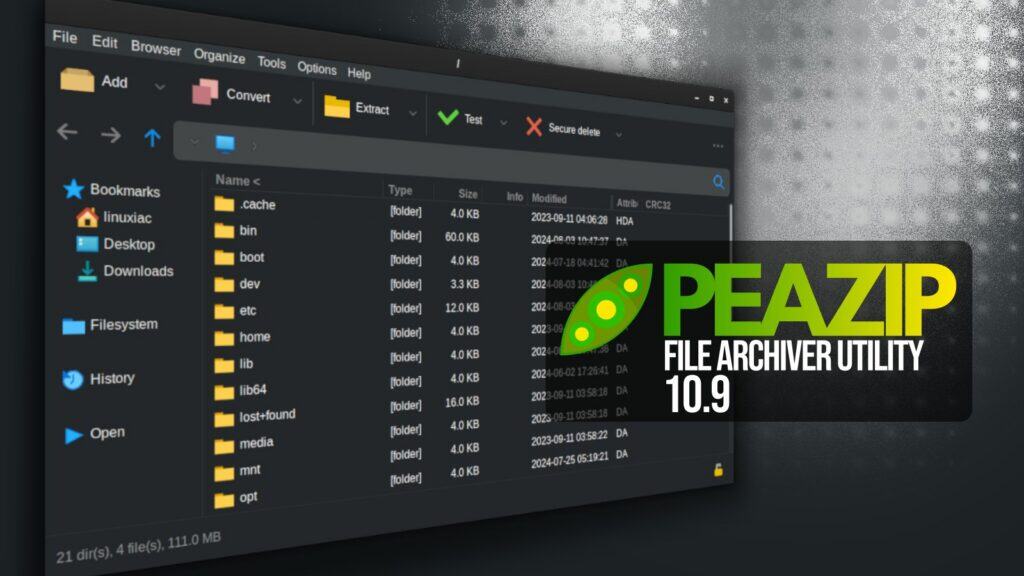
A month after the previous 10.8 release, PeaZip, a versatile cross-platform open-source file archiver utility, has just unveiled version 10.9.
Both the Pea and Unpea graphical interfaces have been updated. Input and output fields are now clickable, allowing users to open the corresponding folders directly. Readability has been improved throughout the interface, including clearer display of file sizes, progress percentages, and compression ratios.
Most of the visible changes in PeaZip 10.9 are concentrated in the file manager. The built-in image viewer now handles full-screen windowed mode more reliably across widget sets, correctly detecting usable screen dimensions and showing scroll bars when needed.
Internal drag-and-drop between the file browser and tree view has been reworked so that the context menu is always shown, allowing users to explicitly choose actions such as copy or move. These options are now also available when drag-and-drop is initiated while browsing the filesystem.
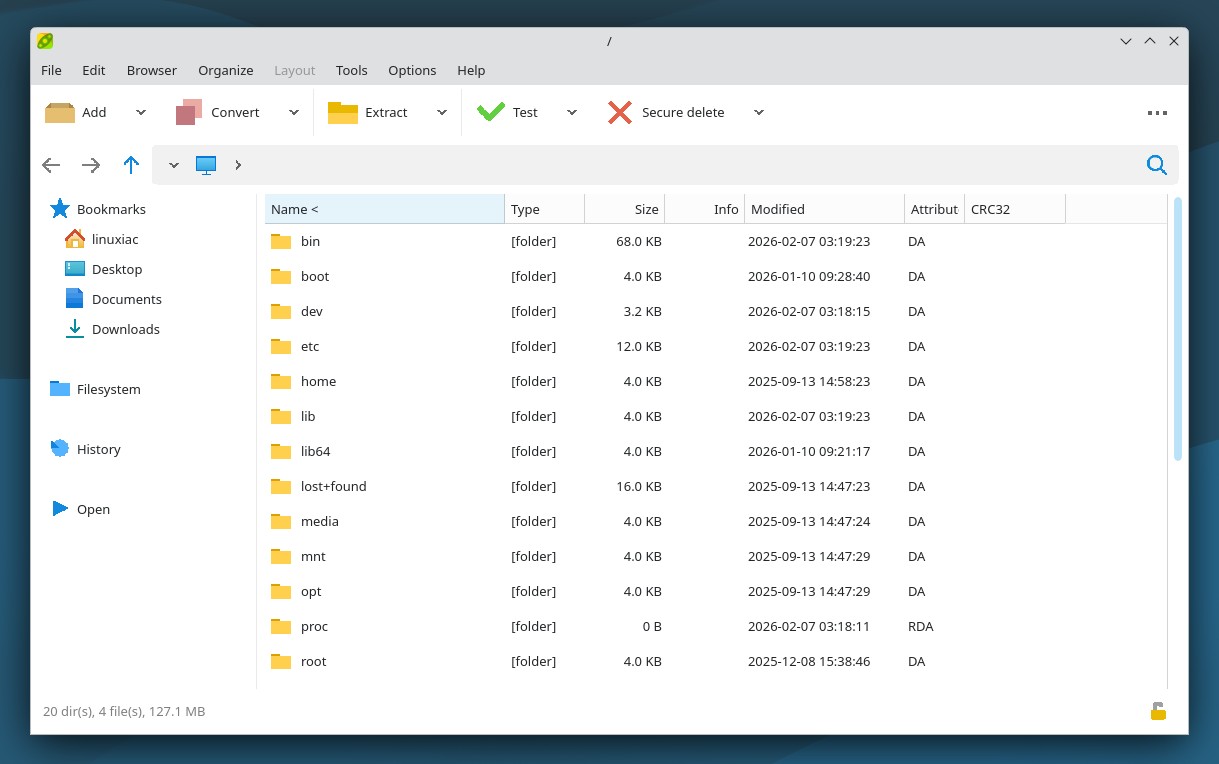
The text viewer can now detect BOM headers, supports word wrapping, and offers case-sensitive search via keyboard shortcuts, with optional custom font selection. Zoom controls have been added, and viewer settings are now persistent across sessions. The hex viewer has been aligned with these changes and uses the same monospaced font configuration.
PeaZip 10.9 also introduces new alternative context menus for “Open with” and “Rename” actions, along with an expanded set of keyboard shortcuts. The space bar now acts as a general viewer shortcut, automatically opening text or image viewers depending on file type. Additional combinations allow direct access to text, hex viewing, checksum calculation, and archive tree expansion.
On the performance side, browsing very large archives has been optimized, with reported reductions of roughly 18 percent in RAM usage and noticeable improvements in responsiveness on archives containing hundreds of thousands of files. Handling of multi-volume archives has been improved, task progress reporting has been refined, and asynchronous deletion of temporary preview files has been introduced to keep the interface responsive during navigation.
On top of that, users can now delete an entire archive directly from the delete menu, customize the middle mouse button behavior in the file manager, and benefit from reduced unnecessary GUI flashing. Startup and shutdown sequences have been reorganized to ensure configuration data is reliably saved, even when background cleanup tasks are still running.
Automatic detection of external RAR binaries has also been improved on non-Windows systems, and freedesktop integration documentation has been updated with Flatpak and similar environments in mind.
Finally, the release includes a long list of bug fixes addressing archive sorting issues, column size resets on Qt6, extension duplication, archive locking problems, and inconsistencies when running archive tests from context menus or scripts.
For more information, refer to the release notes or visit the project’s GitHub page for downloads. For Linux users, the app is also available for installation as a Flatpak.


Just wish drag and drop worked on Wayland. As far as I can tell there is no fully functional graphical archive manager on Wayland. Some like Ark, support drag and drop but only to Dolphin and maybe some others, I didn’t check every combo. Lxqt-archiver works well for small archives, but large ones are clunky as it has to extract the whole thing before you can actually drop it anywhere.
“Extract here” works well for most things, but back when I was extracting 1000 OpenMW mods to predefined folders (there’s an automated tool now but this was before) drag and drop was just most convenient. Ended up loading XFCE in xwayland rootful mode.
I’m really hoping Phoenix takes off. I love Wayland for how it handles displays, but as someone is neither an enterprise user, nor someone who uses his computer as a glorified chromebook, the security obsession and lack of opt out on Wayland means that things that should just work, don’t, at least not well or seamlessly.