


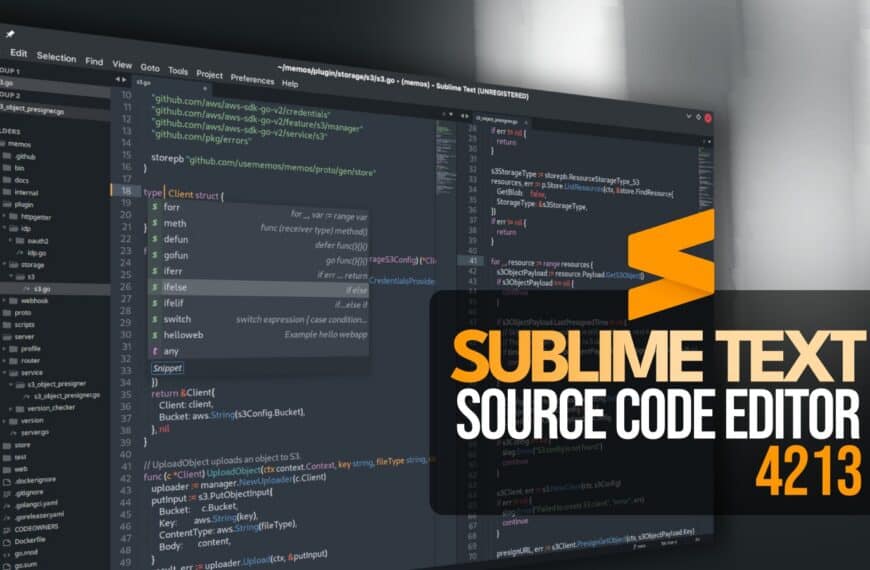
Sublime Text 4213 Code Editor Adds Python 3.14, File Icon Themes
Sublime Text 4213 updates its plugin runtime to Python 3.14, adds file icon themes, Git improvements, and several Linux-specific fixes.
FreeRDP 3.32 Adds Microsoft Entra Integration on Linux
FreeRDP 3.32 is out with Microsoft Entra integration on Linux, beta RAIL support for Wayland and X11, USB fixes, and security hardening.

KDE Picks Enterprise, Documentation, and Styling as New Goals
KDE’s 2026–2028 goals include stronger enterprise support, consolidated documentation, and a unified styling system.
NetBSD 10.2 Released With New Hardware Support and Security Fixes
NetBSD 10.2 is out as the second point release in the 10.x stable series, adding new Ethernet, VMware, ARM, and security improvements.
Don’t Miss

How to Install and Secure MariaDB Database on Debian 11
This tutorial teaches how to install MariaDB database on Debian 11 “Bullseye” from the official Debian repository.

How to Set Up WireGuard VPN on Ubuntu (A Step-by-Step Guide)
This tutorial will show you how to set up your WireGuard VPN server on Ubuntu in easy-to-follow steps.

How to Add a Directory to PATH in Linux [With Examples]
This article discusses an important Linux shell environment variable called PATH and how you can add a directory to this variable.

3 Best GPU-Accelerated Terminal Emulators for Linux
There are many terminal emulators, but we will focus on the GPU-accelerated ones in this article – the fastest terminal emulators for Linux.