Kali Linux 2025.3, a Debian-based distribution designed for advanced penetration testing and security auditing, is now available for download, marking the fourth quarterly release of 2025.
All supported desktop environments have been updated. GNOME moves to version 49, bringing refreshed Kali theming and smoother visuals. Plus, the newer Showtime application has replaced the Totem video player, and the application grid now mirrors the menu structure, grouping Kali tools into folders.
A dedicated terminal shortcut using Ctrl+Alt+T or Win+T is now enabled by default. Most notably, GNOME in Kali no longer supports X11 sessions, making Wayland the sole display server.
KDE Plasma has been upgraded to version 6.5, consolidating two upstream releases. The update introduces more flexible window tiling, a redesigned screenshot tool with enhanced editing options, quick access to pinned clipboard items from the panel, and fuzzy matching in KRunner, improving application discovery even when names are misspelled.
Xfce also receives a notable enhancement with the introduction of full color theme support. Users can now customize colors across icons, GTK 3 and GTK 4 applications, Qt 5 and Qt 6 applications, and window manager decorations. Most settings are managed through the Appearance application, with Qt theming handled via qt5ct or qt6ct, both installed by default.
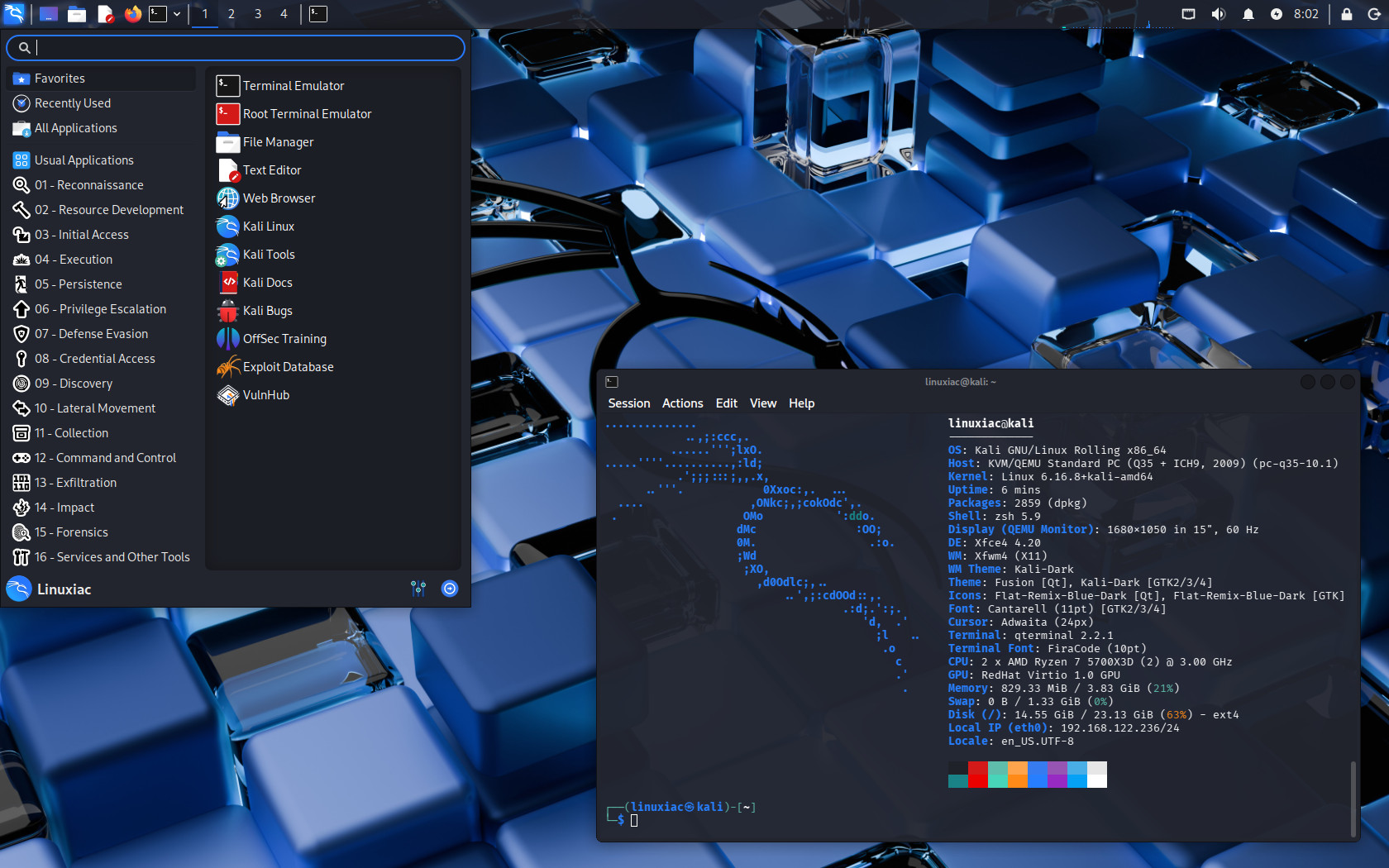
With GNOME now Wayland-only and KDE already defaulting to Wayland in Kali for several releases, Kali Linux 2025.4 focuses heavily on completing the Wayland transition.
Virtual machine guest utilities were previously the main missing piece, particularly clipboard sharing and dynamic window scaling. These features are now fully supported under Wayland across major virtualization platforms, including VirtualBox, VMware, and QEMU, bringing feature parity with legacy X11 setups.
The release also includes a seasonal feature. Kali Halloween Mode, originally introduced during last year’s Halloween period, remains available even though it has been removed from the menu. Users can still activate it manually via the kali-undercover command to apply a themed desktop appearance.
A significant change affects how Kali images are distributed. Starting with this release, the Kali Live image is no longer available via direct HTTP download and is distributed exclusively through BitTorrent. Pre-built virtual machine images and installer ISOs remain available over HTTP, while larger images, including the Live and Everything variants, now use BitTorrent distribution.
As you can expect, several new tools have been added to the Kali repositories. These include bpf-linker, a simple static linker for BPF programs; evil-winrm-py, a Python-based WinRM command-execution tool for Windows targets; and hexstrike-ai, an MCP server that allows AI agents to run tools autonomously. Numerous existing packages have also been updated, and the default kernel has been bumped to Linux 6.16.
On the mobile side, Kali NetHunter receives extensive updates. Android 16 support has been added for multiple devices, including Samsung Galaxy S10 variants running LineageOS 23, OnePlus Nord, and Xiaomi Mi 9. The NetHunter Terminal is operational again, with improved compatibility across Magisk versions and proper handling of interactive sessions.
Wifipumpkin3 now includes preview support and updated phishing templates, while kernel module handling and module installation via Magisk have been improved. Additional NetHunter updates include an early alpha version of an in-app terminal, ongoing UI refactoring, and the restoration of seasonal visual effects.
For more information, see the announcement.