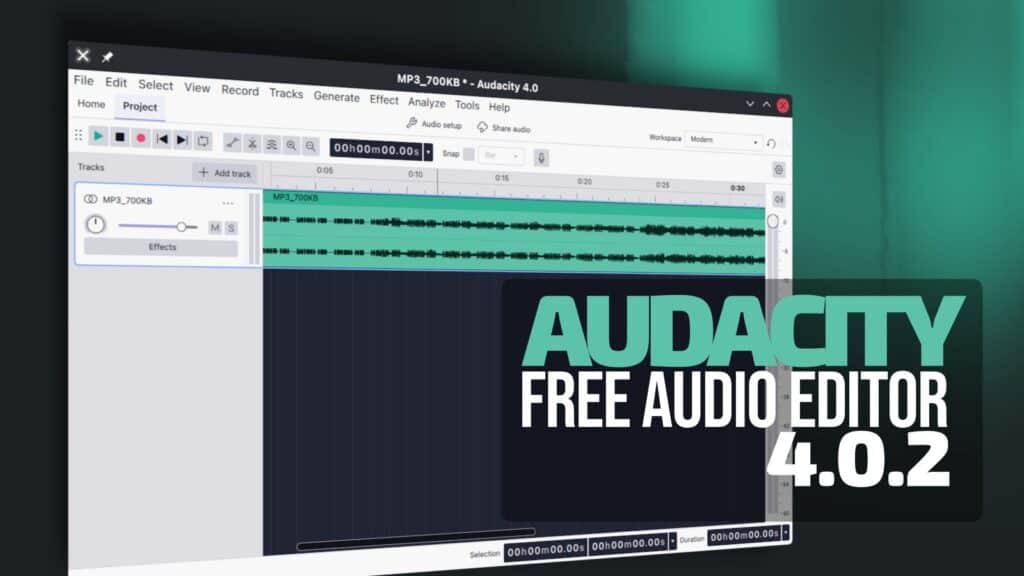
Audacity 4.0.2 has been released as the latest maintenance update to the free, open-source, cross-platform audio editor, addressing issues with project corruption, crashes, and audio editing reliability.
One important fix concerns project corruption when opening projects with empty audio clips. Another resolves corruption that could occur when copying audio between projects. The update also fixes a problem where moving clips between tracks with different sample rates could cause incorrect pitch or lost audio clips.
Moreover, Audacity 4.0.2 fixes duplicate .aup4 file extensions and errors when replacing existing projects via the Save As dialog. Automatic saving during recording has been restored, reducing the risk of losing work during sessions.
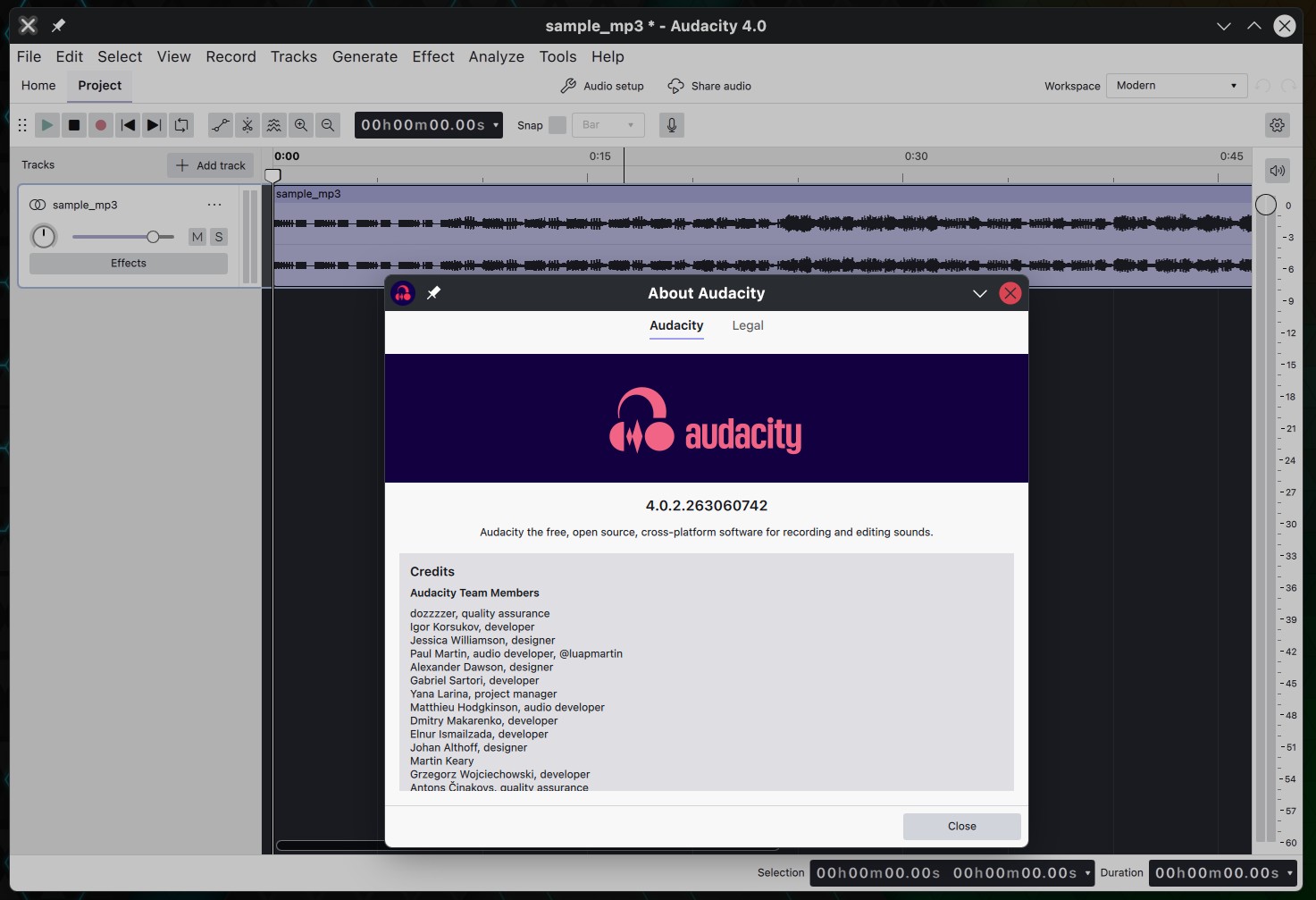
On the stability front, the release addresses several crashes: one when opening projects with sample snapping enabled, another when selecting Repeat Last Effect after closing a project, and a third triggered when the Split keyboard shortcut was unassigned.
Several editing and navigation improvements are included as well. The trim, clear selection, and zoom keyboard shortcuts have been restored. Page Up and Page Down can now scroll through the timeline. The update also fixes NTSC frame snapping and problems with point labels linking to adjacent labels and guidelines when stretching labels.
Other fixes address inaccessible context menus on collapsed clips, missing metadata in some audio formats, and incorrect title and artist fields. Playback latency related to displaying the input meter has improved, along with the status bar layout in narrow windows.
For Linux users specifically, Audacity 4.0.2 resolves an issue where the File > Import dialog returned no files. Additionally, the release corrects the handling of Chinese, Japanese, and Korean characters during text trimming.
For more information, see the changelog. According to the developers, work continues on Audacity 4.1, expected to introduce new features and restore missing functionality.