
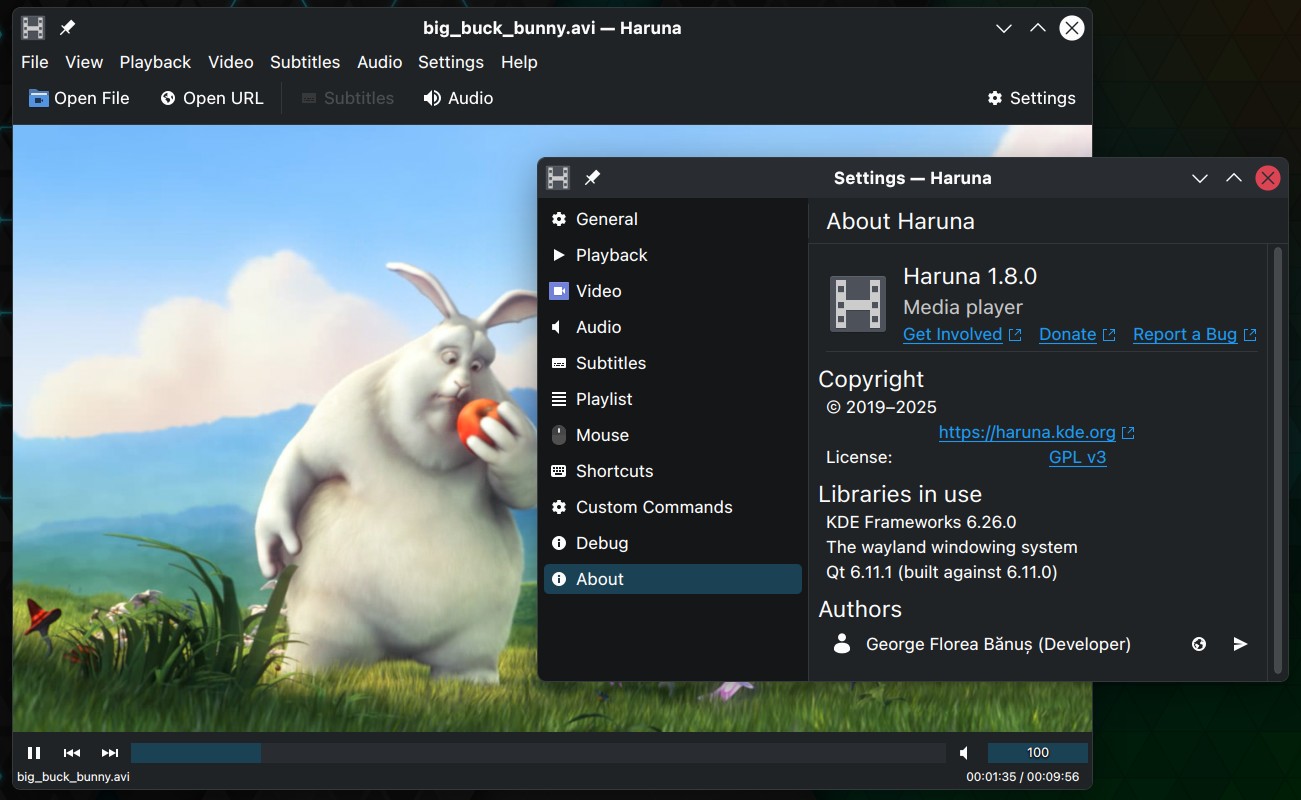
Haruna, a Qt-based media player developed within the KDE ecosystem and built on MPV, has released version 1.8. A key update in this release is support for opening multiple files from the command line, enabling users to open selected files directly from the file manager.
This update also adds a stop action in the playback controls and an option to enable taskbar progress. In addition, Haruna now displays the filename or title in the on-screen display when opening a file, offering clearer feedback at playback start.
For audio files without embedded cover art, Haruna’s MPRIS support can now assign a cover from an external image file. The update also introduces a custom loading animation and a setting for mpv’s sub-border-style property.
Playlist handling has been improved as well, with several updates. Haruna 1.8 adds a menu item to open a file in the MediaInfo app, if installed, and allows ascending or descending sorting when the “None” sorting option is selected. The playlist now displays a resume playback position indicator under the duration, and the item drag handle appears on hover.
Finally, this release includes several bug fixes. The chapters menu button is now hidden when no chapters are present, and the issue with the font family reset button not saving settings has been resolved.
Playlist-related fixes include restoring the last active playlist only when Haruna is opened without a file, improving slow scrolling to the currently playing item at startup, and resolving issues where clicks could trigger a playlist item beneath the tab.
For additional details, see the changelog.