A week after the previous 1.0.4 release, COSMIC 1.0.5 is out as a small maintenance update, focused on fixes, refinements, and performance improvements across multiple components of System76’s Rust-based desktop environment.
Several user-facing enhancements stand out, starting with COSMIC applets, which now offer an option to display battery percentage directly in the panel.
The second most striking change is that COSMIC Files now supports tab drag-and-drop and more consistent interface behavior, with the Open button appearing only when an actionable item is selected. Moreover, the COSMIC Launcher now prefers SVG application icons where available.
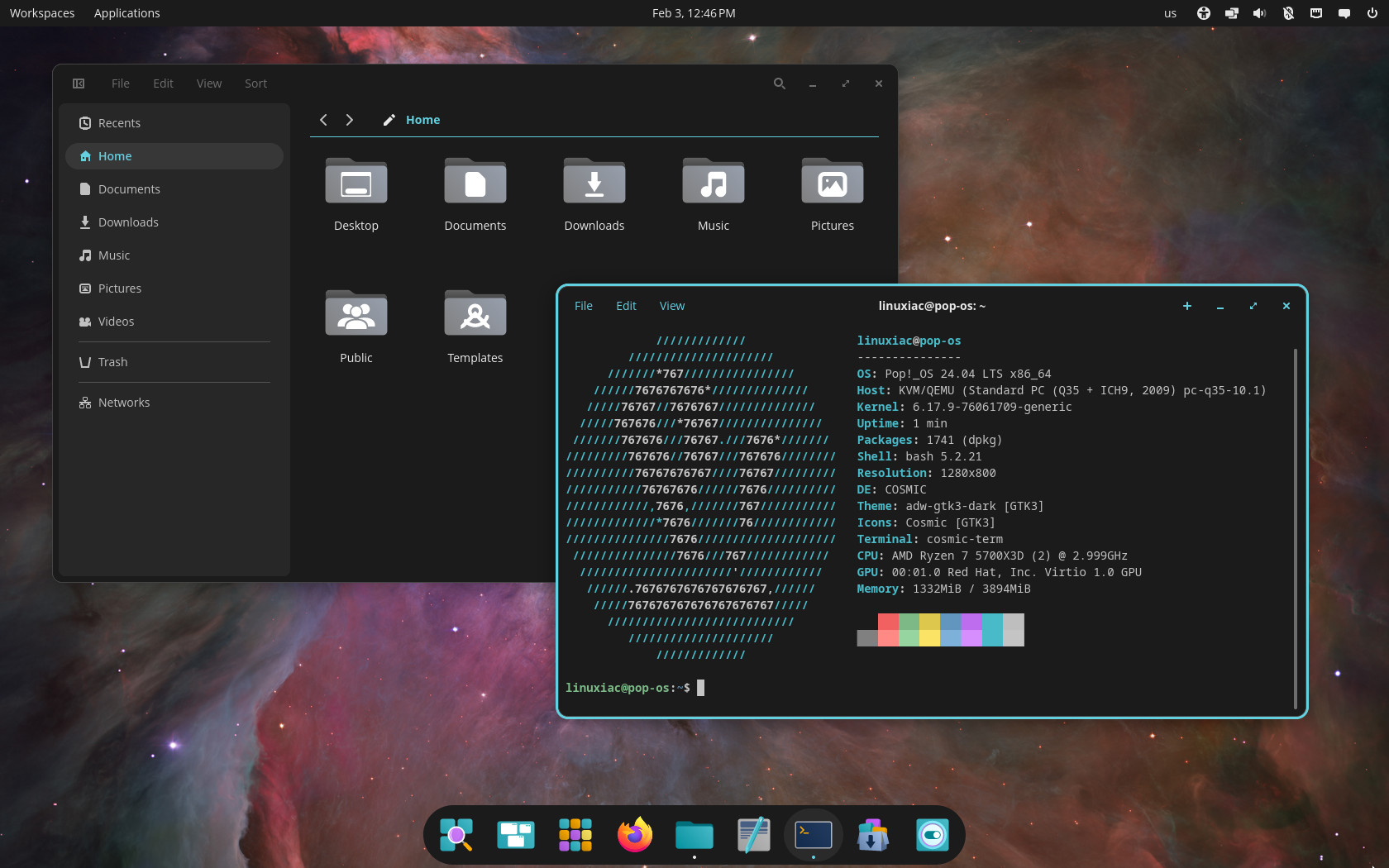
Text rendering issues have been addressed in both COSMIC Edit and COSMIC Terminal, with fixes to ligature support landing in this release. Under the hood, the COSMIC App Library has been updated with a newer libcosmic version, resolving previously reported issues.
COSMIC Settings also receives fixes and enhancements. These include improved reliability for network authentication, corrections to wallpaper slideshow rotation, better handling of default app selections, and ensured visibility of startup app deletion dialogs when triggered from search.
In addition, support for user-defined XKB keyboard layouts has been added, along with additional CI tests to improve portability.
Performance improvements arrive in COSMIC Store, along with better presentation of system and Flatpak runtime updates. The store also adds a Ctrl+Q keyboard shortcut to quickly exit the application.
Additional refinements include updates to COSMIC Session environment variable handling and new clipboard-related hotkeys in the COSMIC XDG desktop portal, allowing users to copy content or save screenshots to Pictures using standard keyboard shortcuts.
For more information, see the changelog.
COSMIC Desktop 1.0.5’s packages are expected to land first in the repositories of rolling-release distros, such as Arch, openSUSE Tumbleweed, CachyOS, and others, in the coming days.